How to View Your Booking Form Details
Step 1: Log in to Your Account: Access the company portal using your login details.
Step 2: Open the Left Navigation Menu: After logging in, use the menu on the left side of the screen.
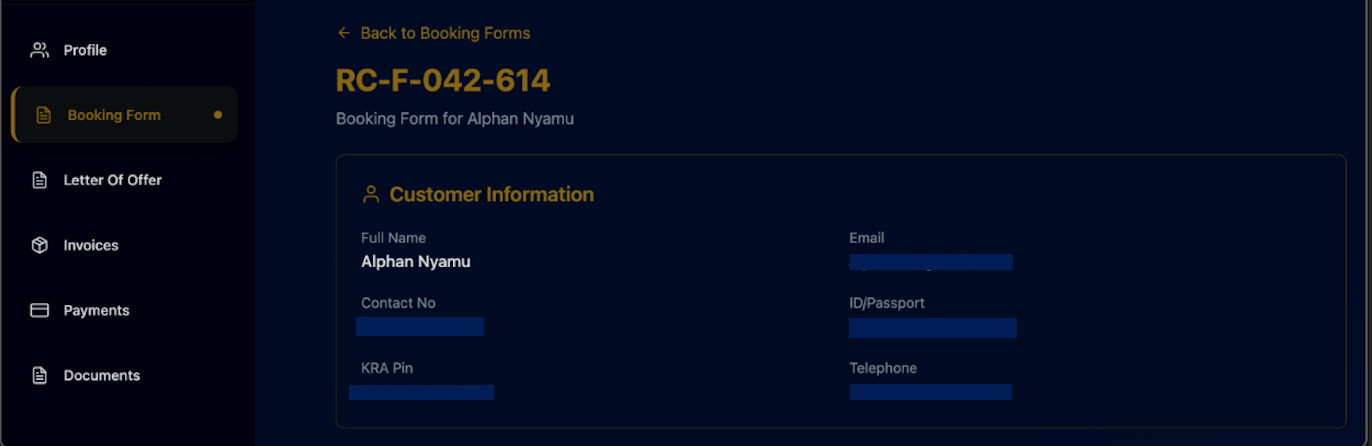
Step 3: Click on Booking Form: Select Booking Form from the left menu to open your booking details.
Step 5: Check Customer Information: View your personal details under Customer Information.
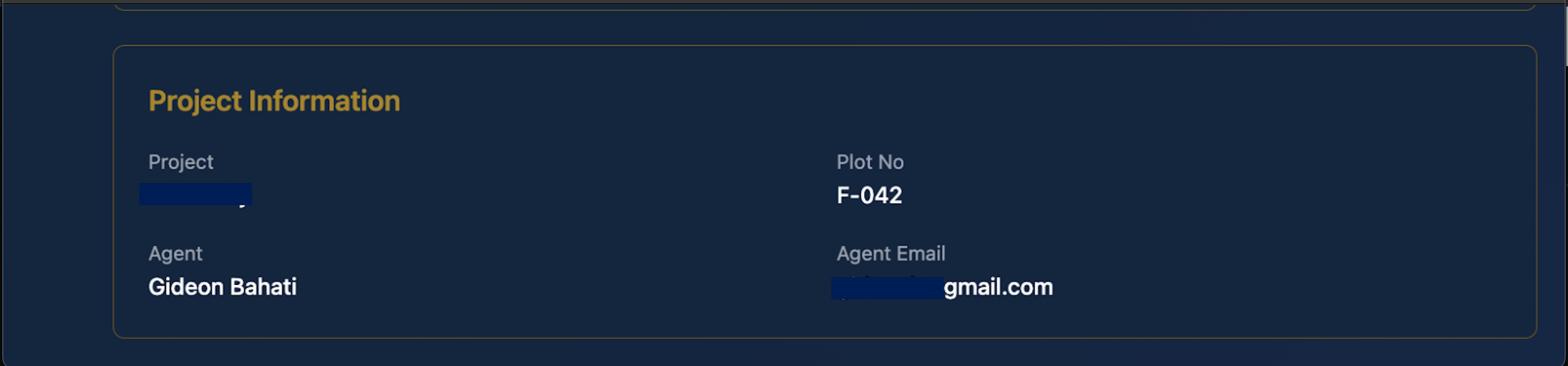
Step 6: Review Project Information: Under Project Information, confirm:
- Project name
- Plot number
- Agent name
- Agent email
Step 7: Check Financial Information: Under Financial Information, review:
- Deposit to pay
- Partial deposit
- Payment period

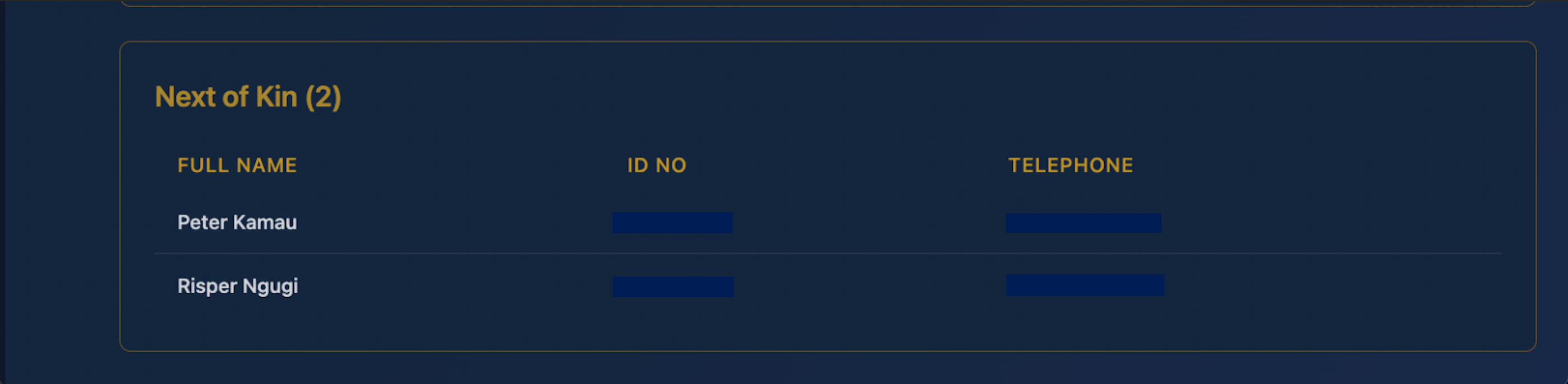
Step 8: View Next of Kin Details: Scroll down to the Next of Kin section to see the listed names, ID numbers, and telephone numbers.
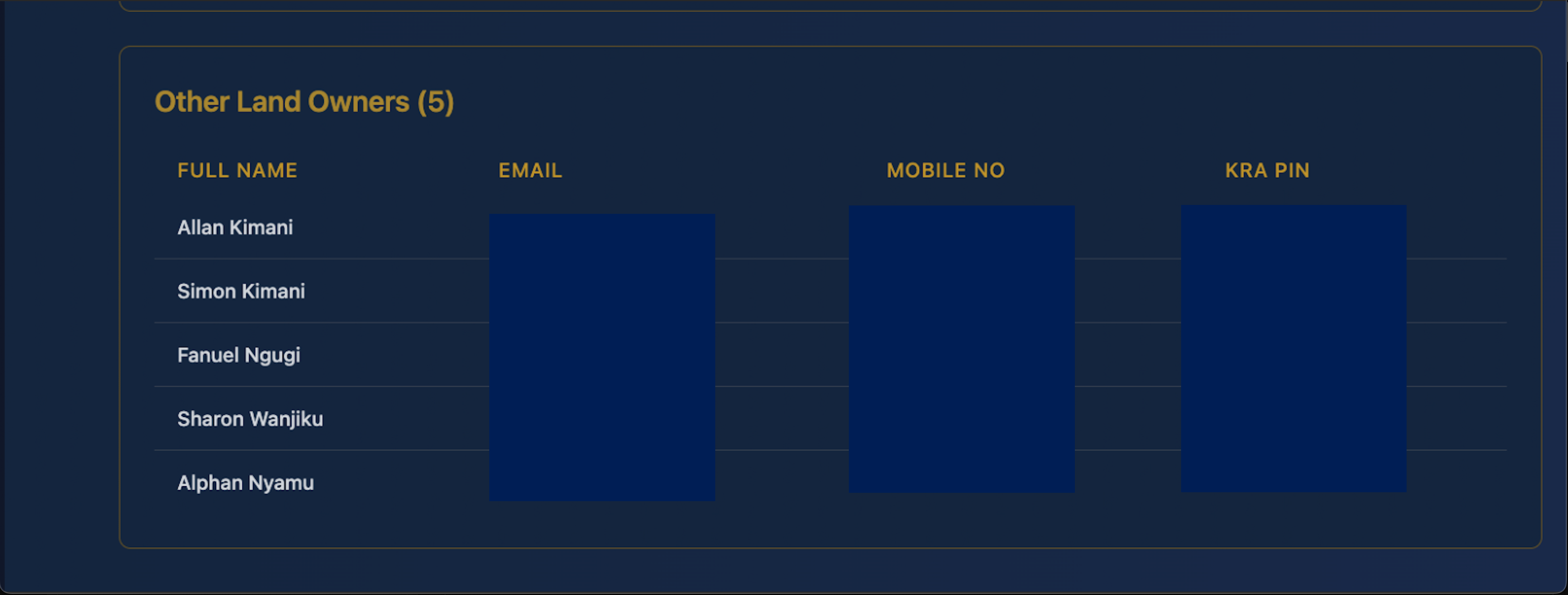
Step 9: View Other Land Owners: In the Other Land Owners section, check the listed details such as:
- Full name
- Mobile number
- KRA PIN
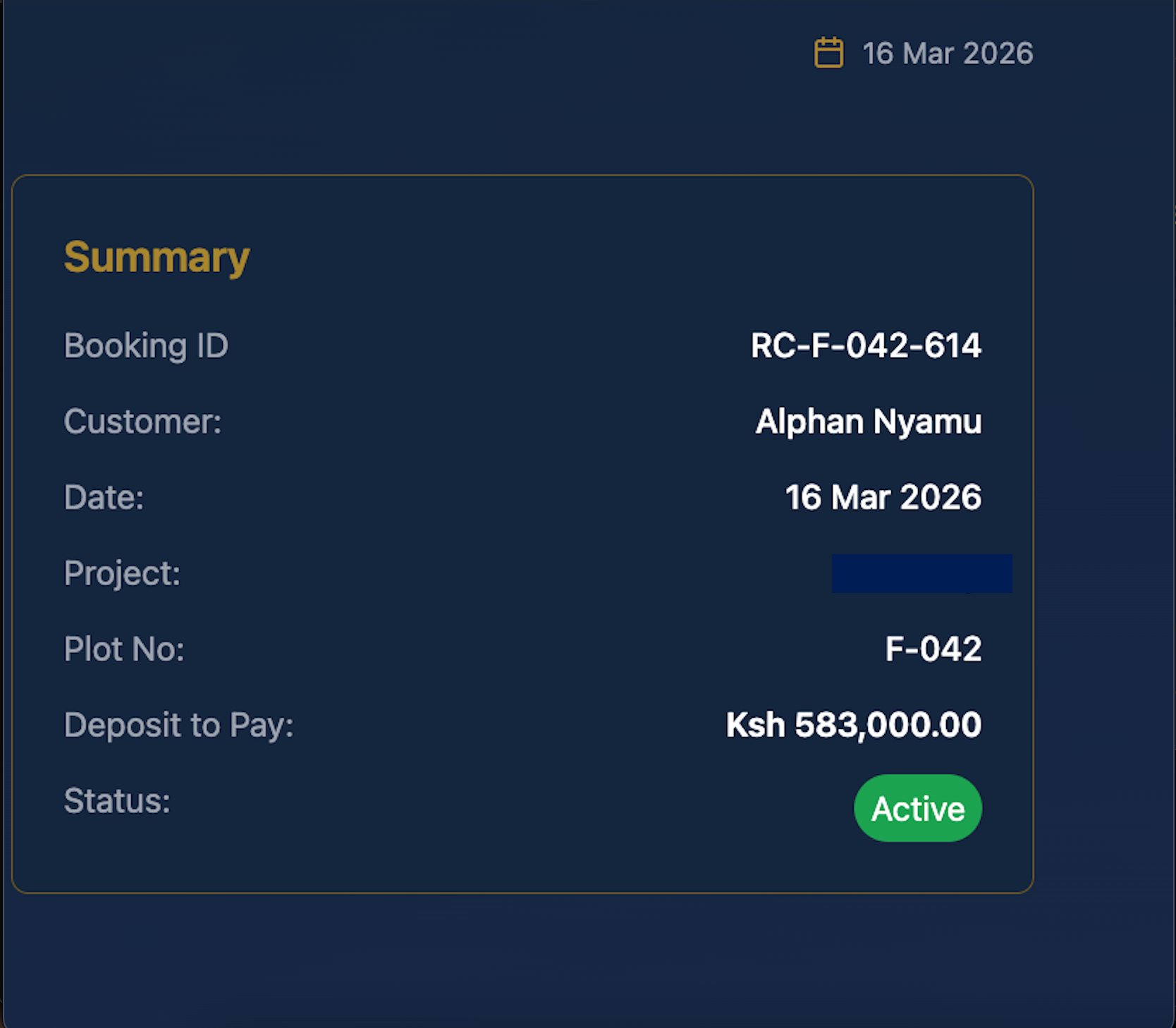
Step 10: Confirm Booking Summary: Use the Summary panel on the right side to quickly verify:
- Booking ID
- Customer name
- Date
- Project
- Plot number
- Deposit amount
- Booking status