Creating a New Booking Form
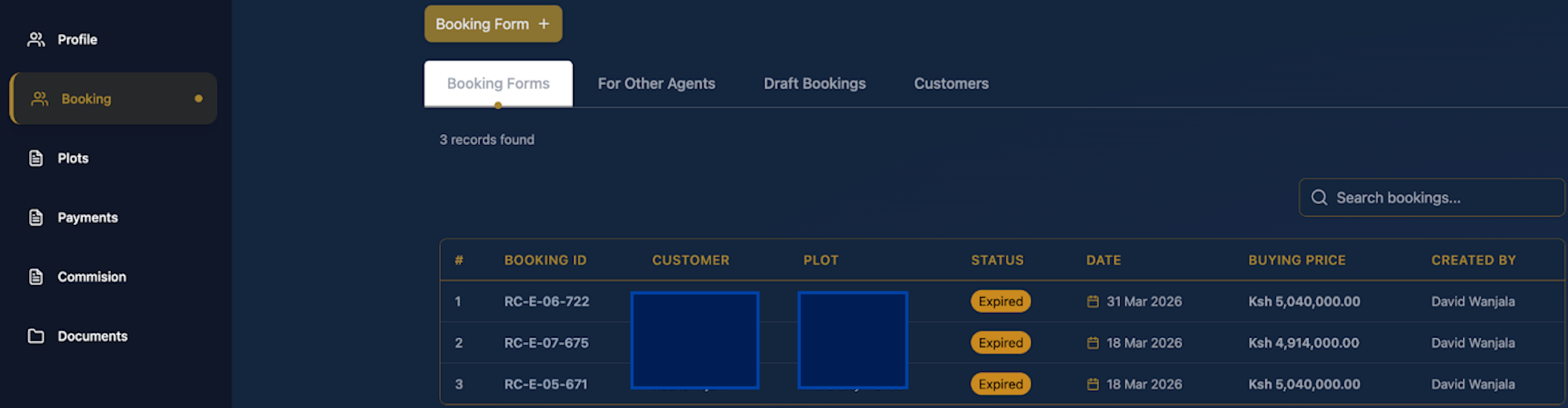
- Click the gold "Booking Form" tab.
- Click the booking you want to view from the list
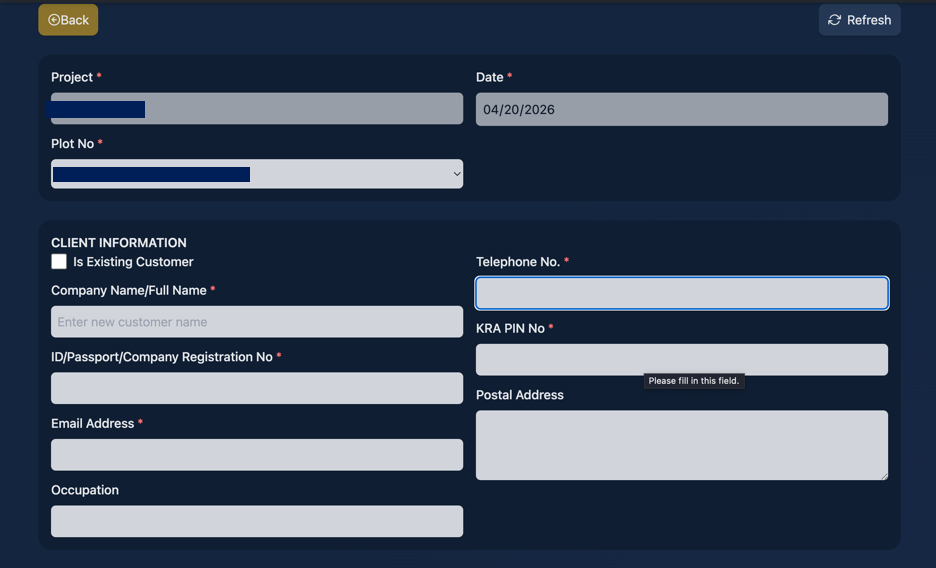
- Client Information: Enter the customer's Full Name, ID/Passport number, Email, and Occupation. Provide their Telephone Number, KRA PIN, and Postal Address.
- Additional Details: Add any Other Land Owners or Next of Kin by clicking the "Add Row" buttons.
- Payment Plan: Select the customer’s preferred payment plan and expected initial deposit percentage.
- Calculate Price: Click the green "Check Price" button to generate the final buying price.

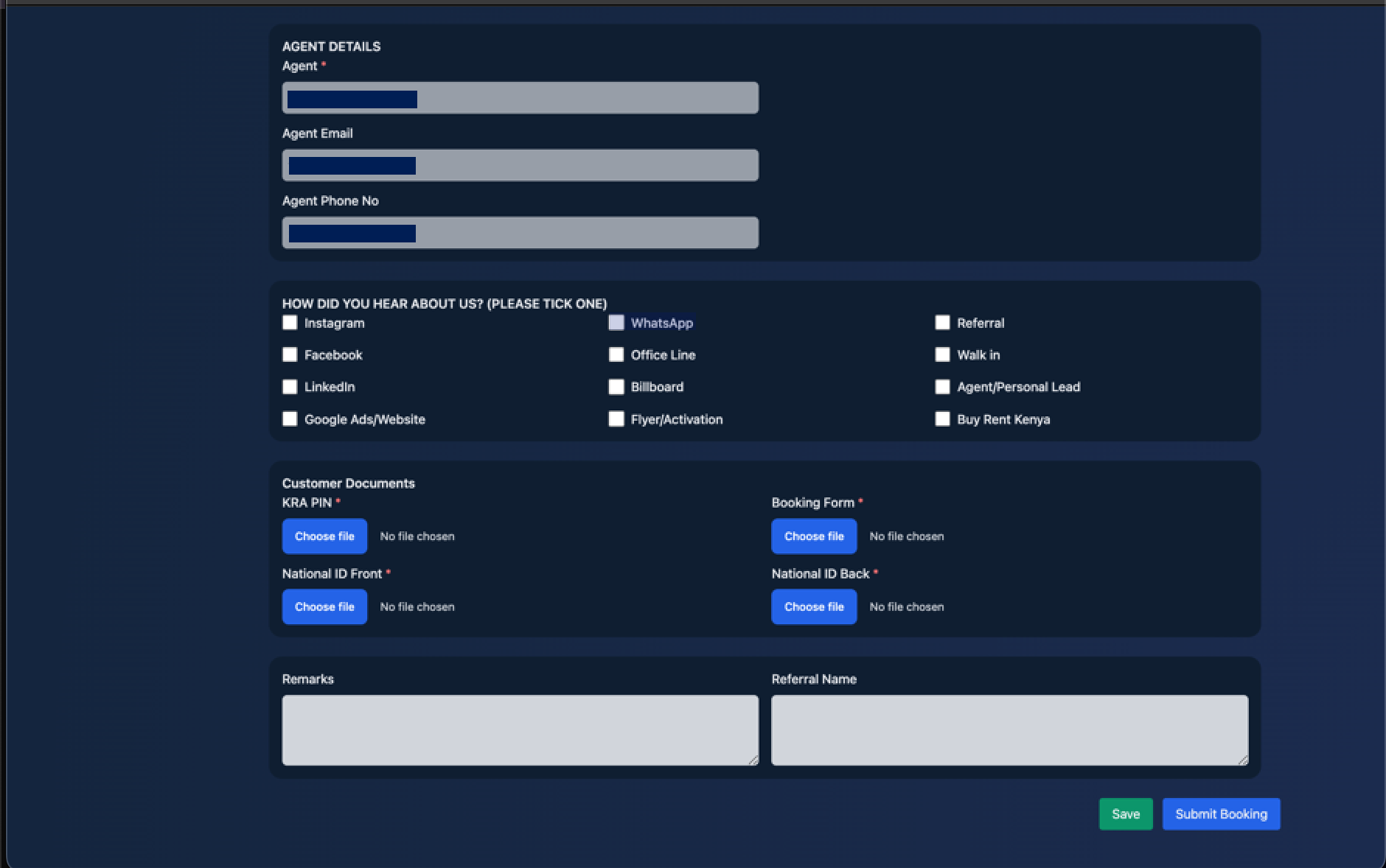
- Marketing & Docs: Select how the customer heard about Kifaru (e.g., WhatsApp, Referral, Facebook). Upload the required Customer Documents (KRA PIN, Booking Form, and National ID Front) by clicking "Choose file".
- Finalize: Click "Save" to keep it as a draft or "Submit Booking" to complete the process
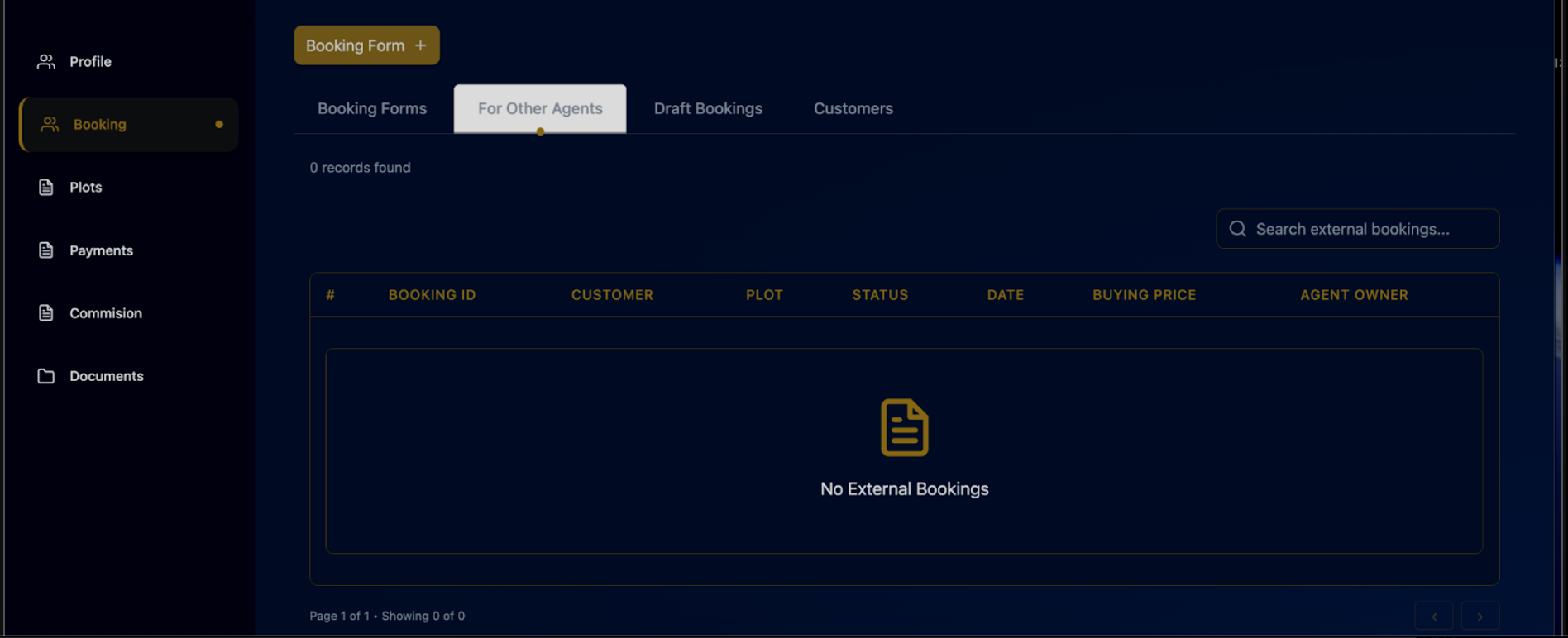
- To view bookings for other Agents click on the tab “for other agents”.
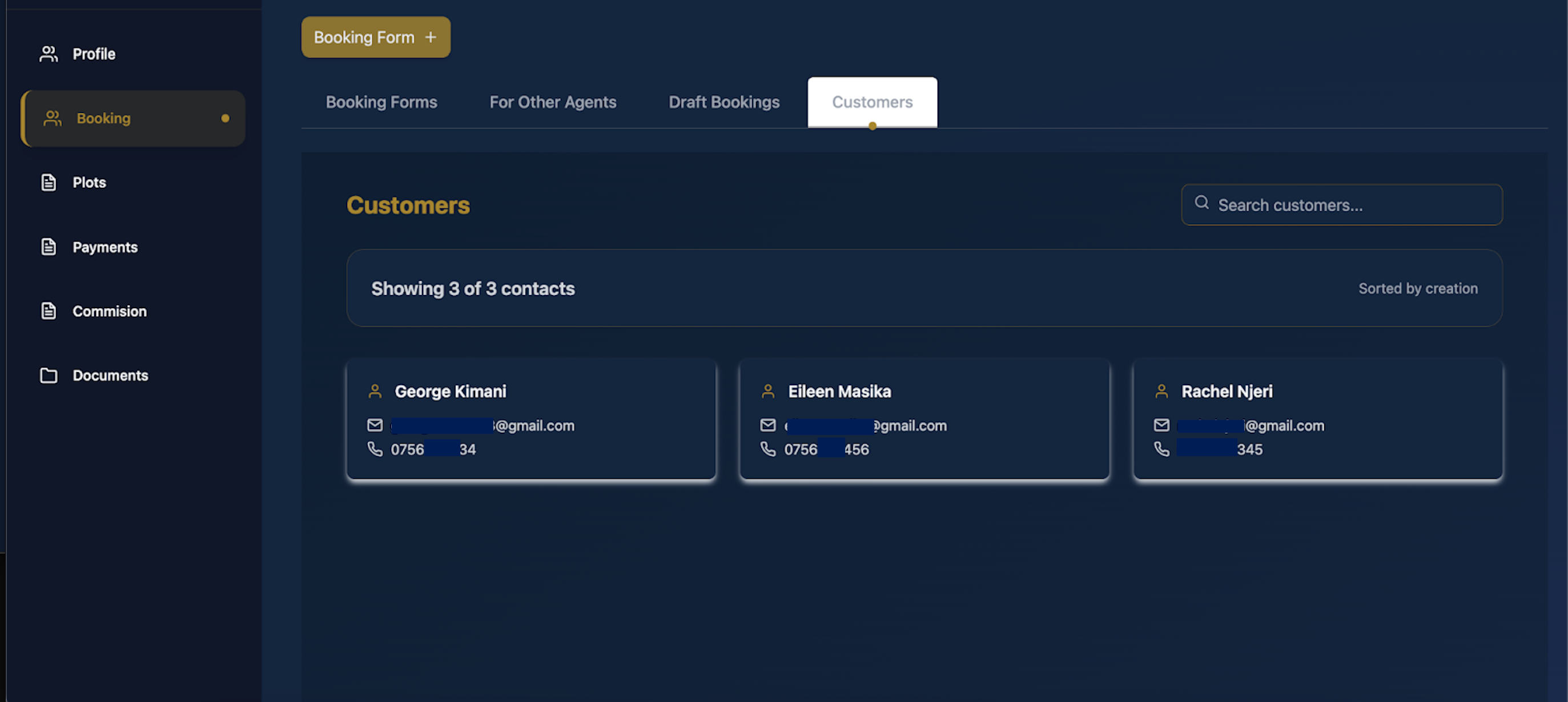
- To view “Customers”click on the “customers” tab. A directory of all your customer contacts, including their email and phone numbers will appear.
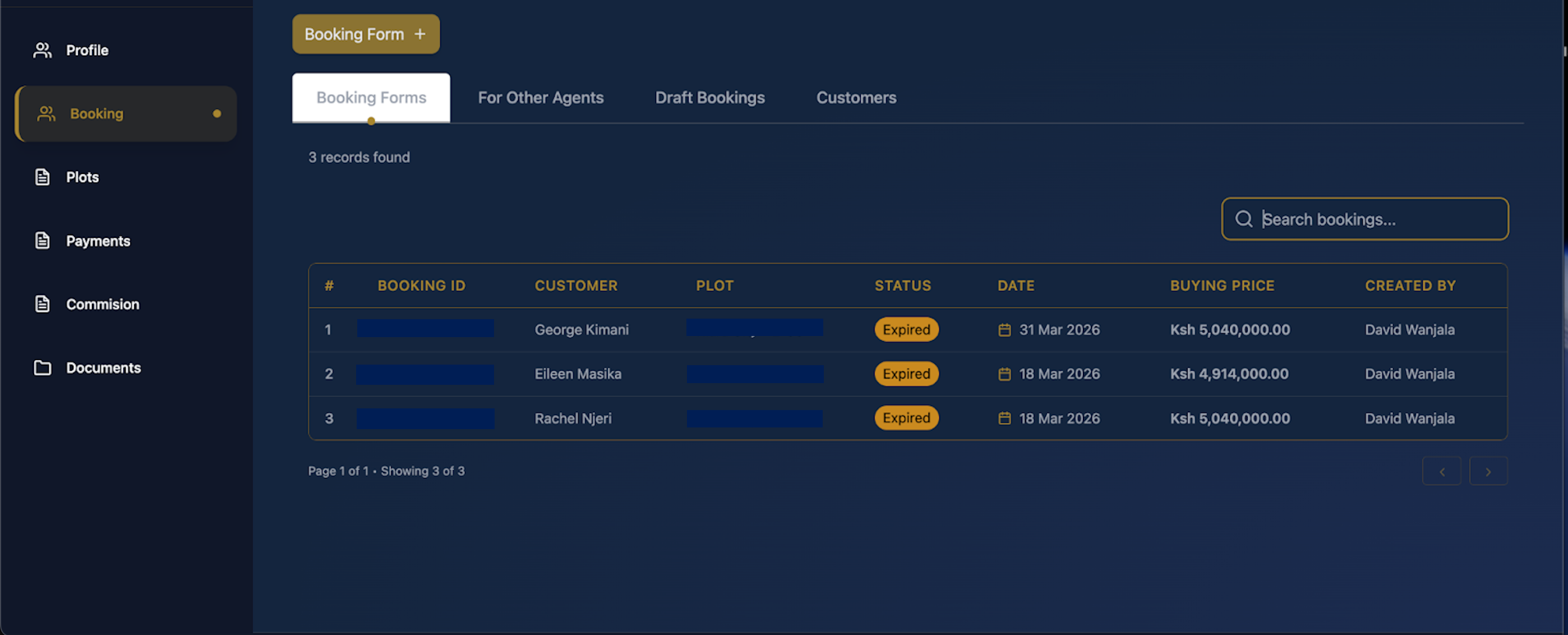
- To search Bookings use the “search bar” to quickly find a specific customer or booking ID
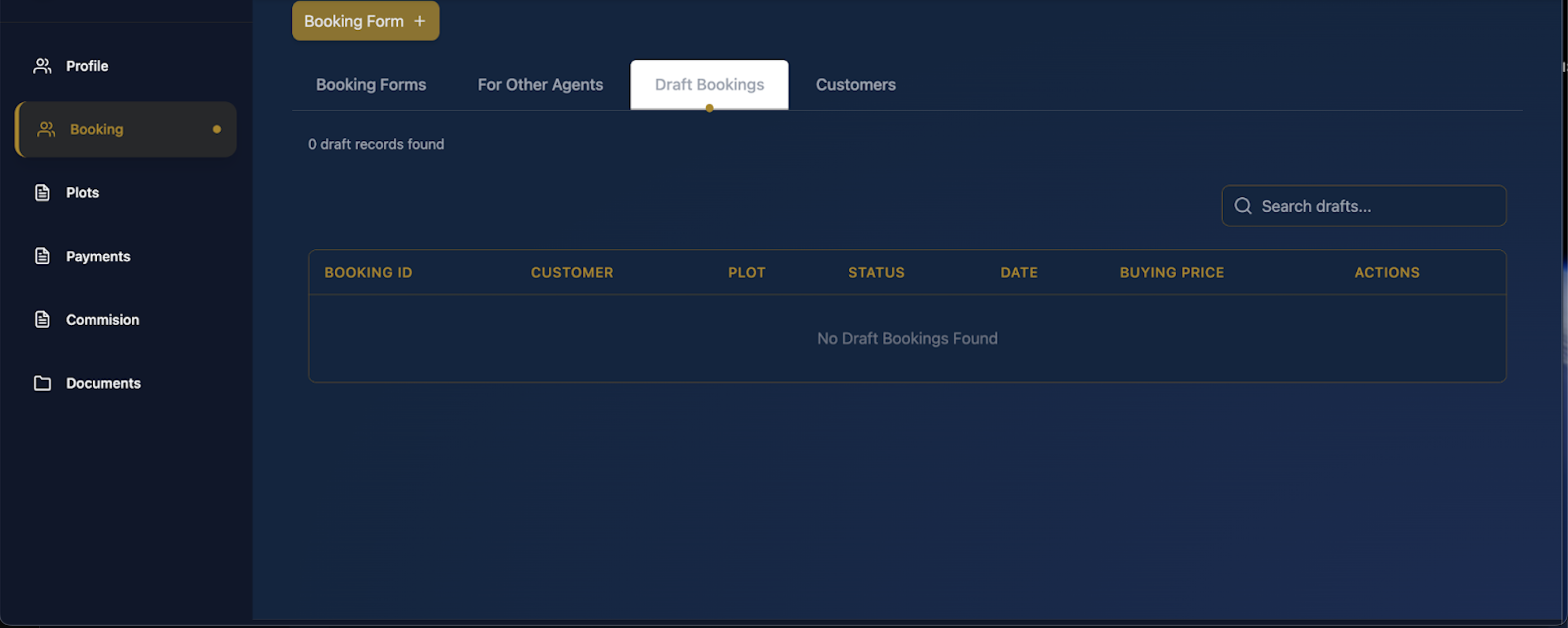
- To access draft Bookings click on the “Draft Bookings” tab to view bookings that you have started but not yet submitted
Last updated 4 months ago
Was this helpful?