Step By Step Portal Login
1. Agent Portal- Logging In
The Agent Portal is your dedicated workspace for creating and managing property bookings on behalf of customers.
Step-by-Step Login Process
- Open the Portal
Open to a new browser tab and search the portal.
- Enter Your Credentials
Input the email address and password that was sent to you by your administrator when your agent account was created.
- Reset Your Password
Upon first login, the system will prompt you to change your password. Choose a strong, unique password and confirm it. This is mandatory before you can access any features.
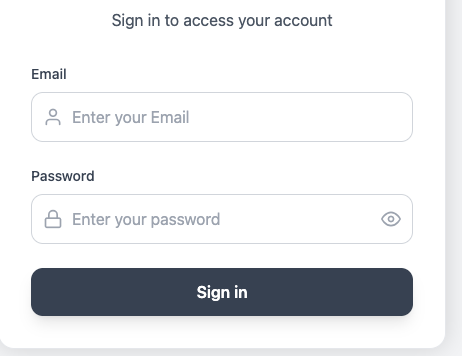
- Access the Portal: Log in using your registered credentials at the Pointers Properties portal.
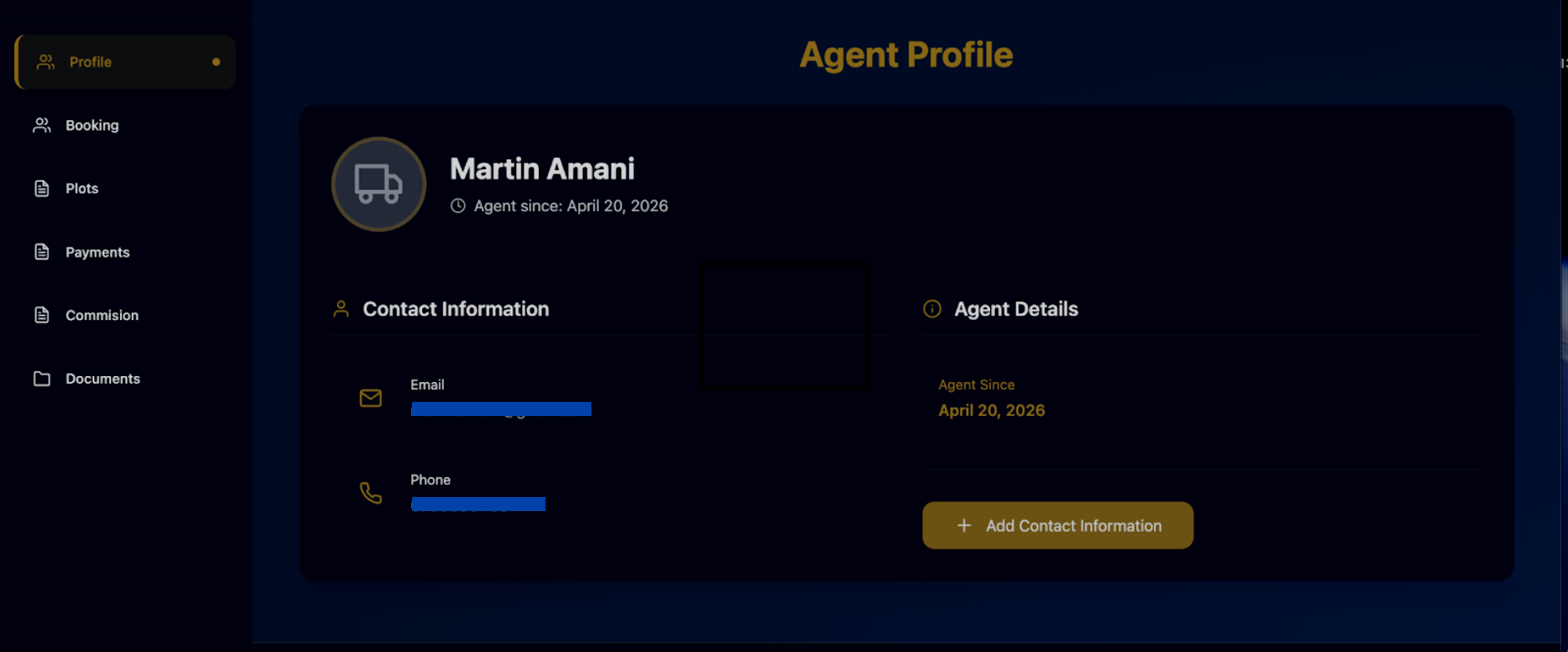
- View Your Profile: Click on the "Profile" tab in the sidebar to view your unique Agent ID, the date you joined, and your primary contact information.
- Update Information: If you need to add or change your details, use the "Add Contact Information" button on the profile page.
Last updated 4 months ago
Was this helpful?