In the Booking:
- At the top-right of the booking form, click the Create button.
- From the dropdown menu, choose Proforma Invoice.

- A new Proforma Invoice will open in Draft status.
Check:
- Customer details
- Invoice date
- Company
- Delivery date
- In the Items section, confirm all booking components are included:
- Hotels
- Flights
- Activities
- Insurance
- Visa
Also verify:
- Quantity
- Rate
- Amount
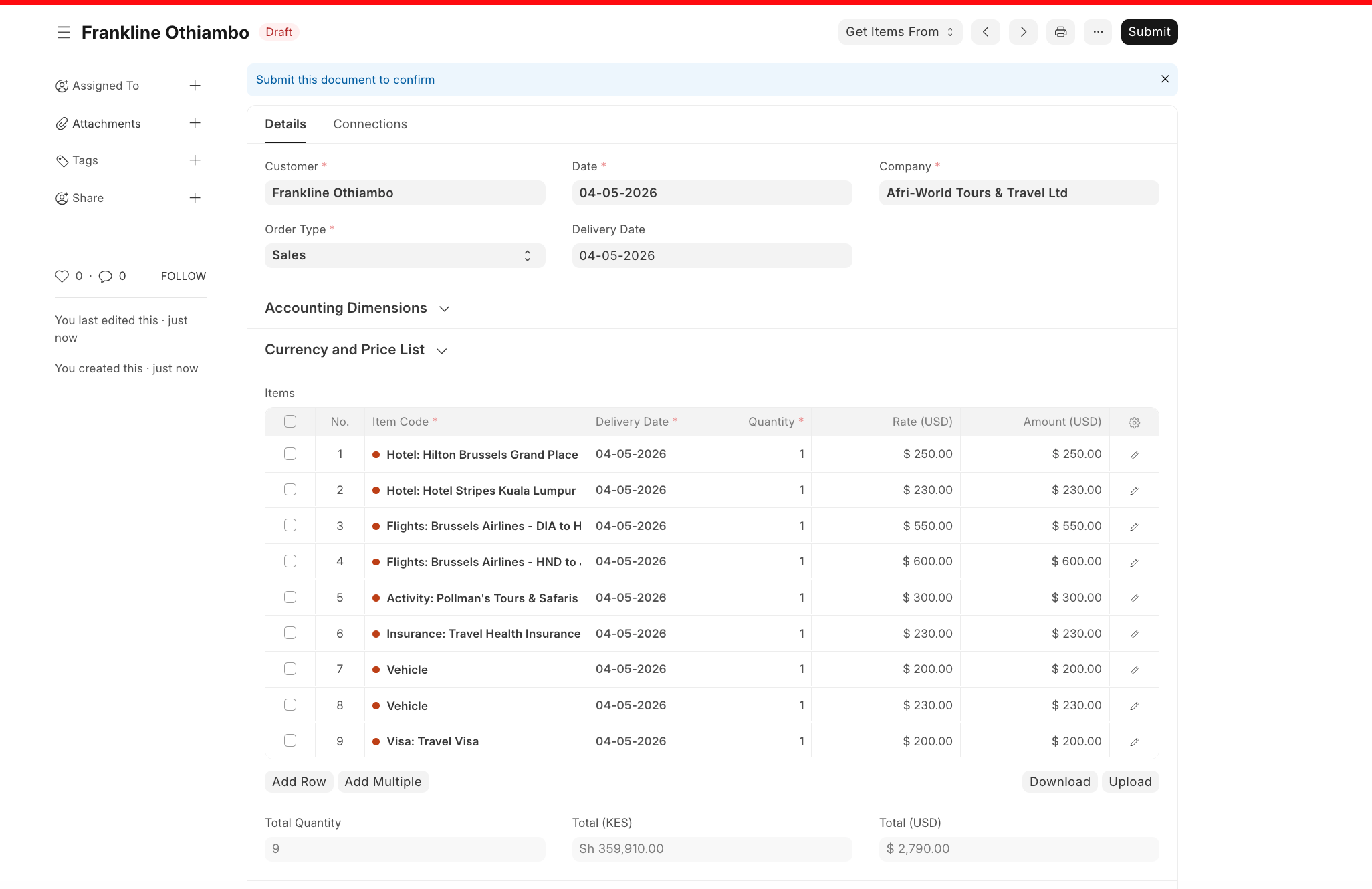
- Once everything is correct, click Submit to finalise the Proforma Invoice.

Last updated 4 months ago
Was this helpful?