How to make Payments against Purchase Order (KES)
A payment against a Purchase Order records money paid to a supplier and links it to the correct purchase order.
- In the already created Purchase Order
- Select Payment from the dropdown menu.

- A new Payment Entry will open.
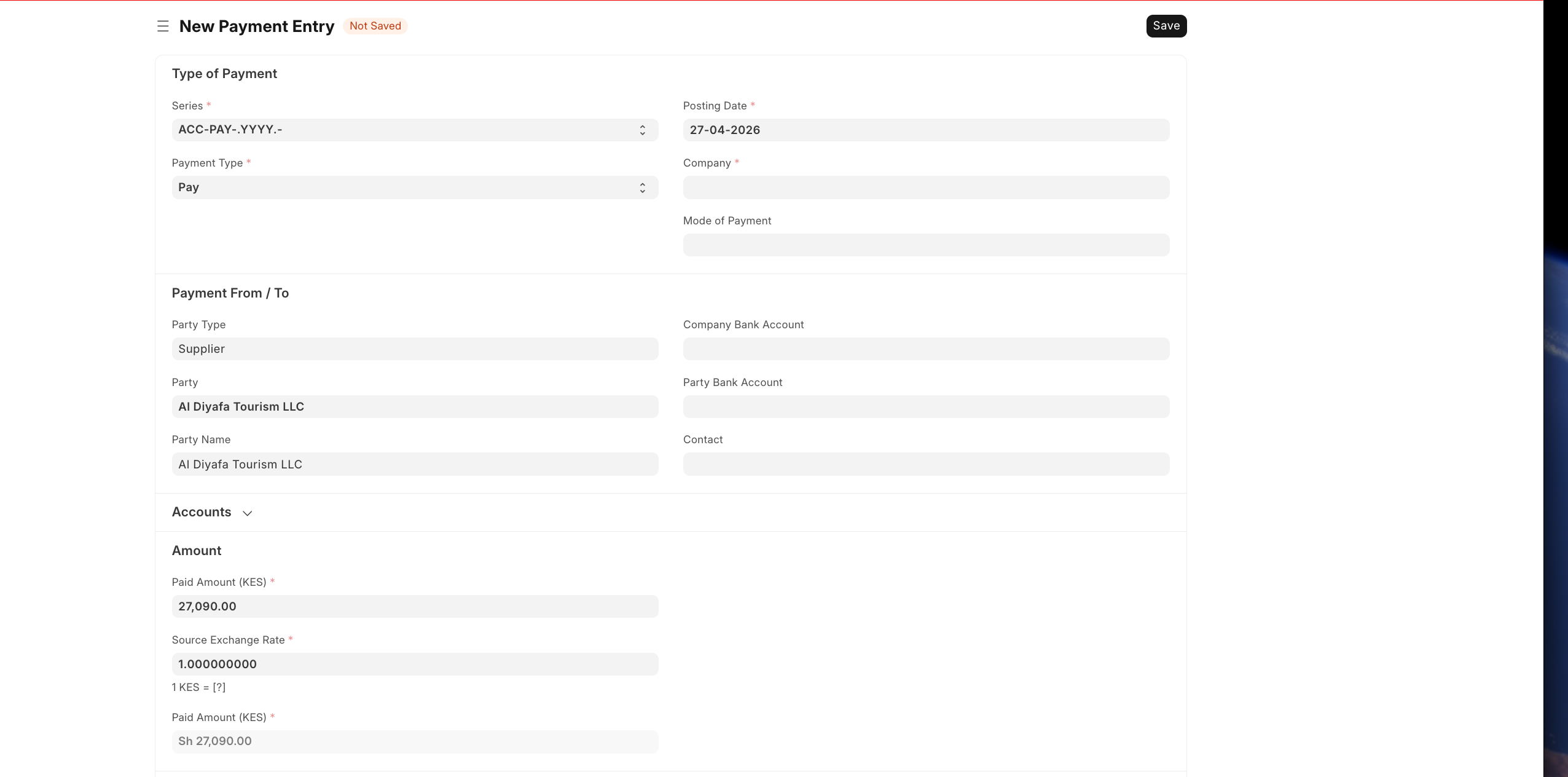
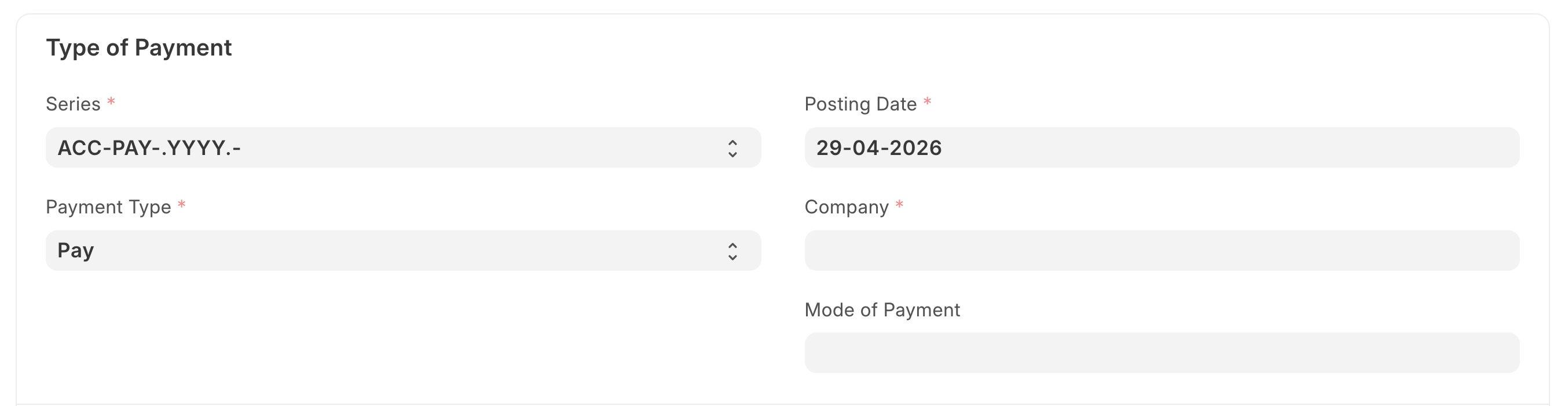
- Confirm the payment details:
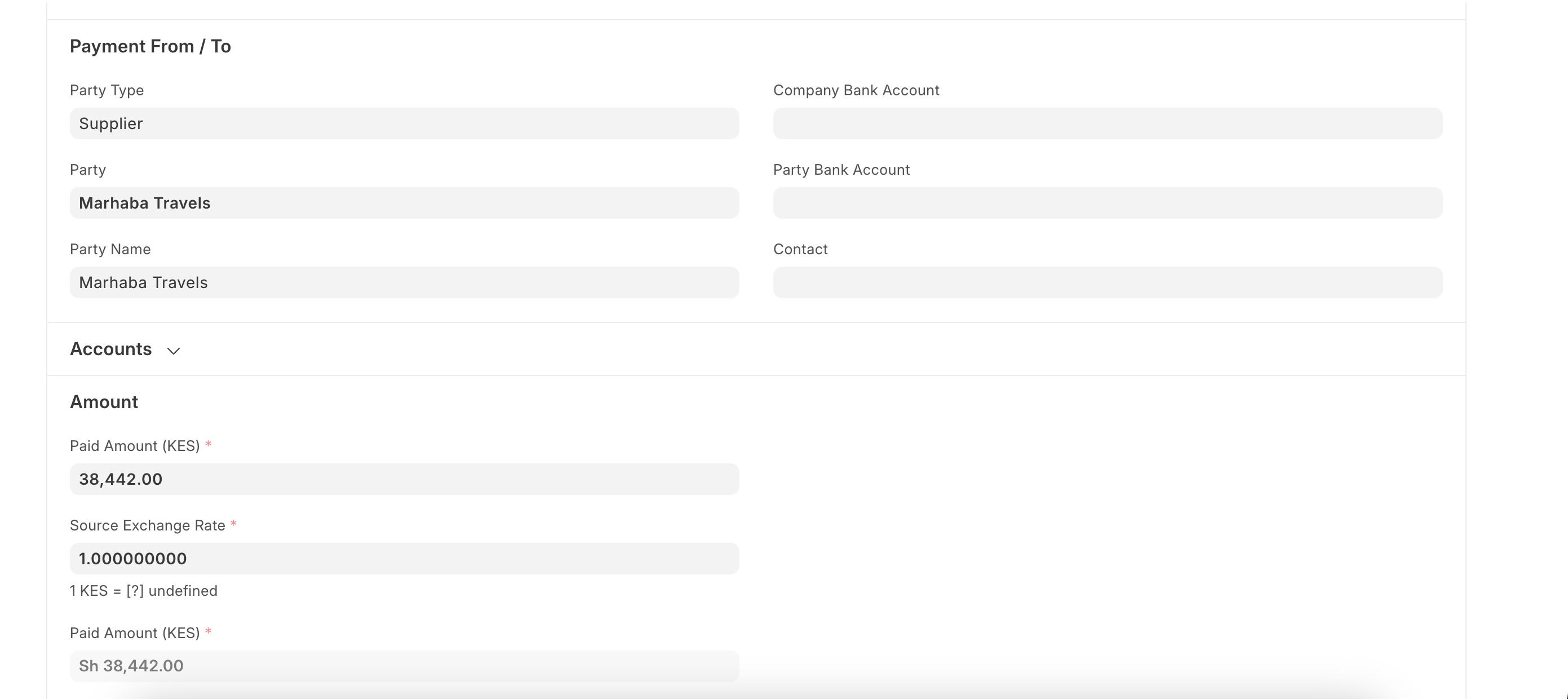
- Check supplier details and review the amount
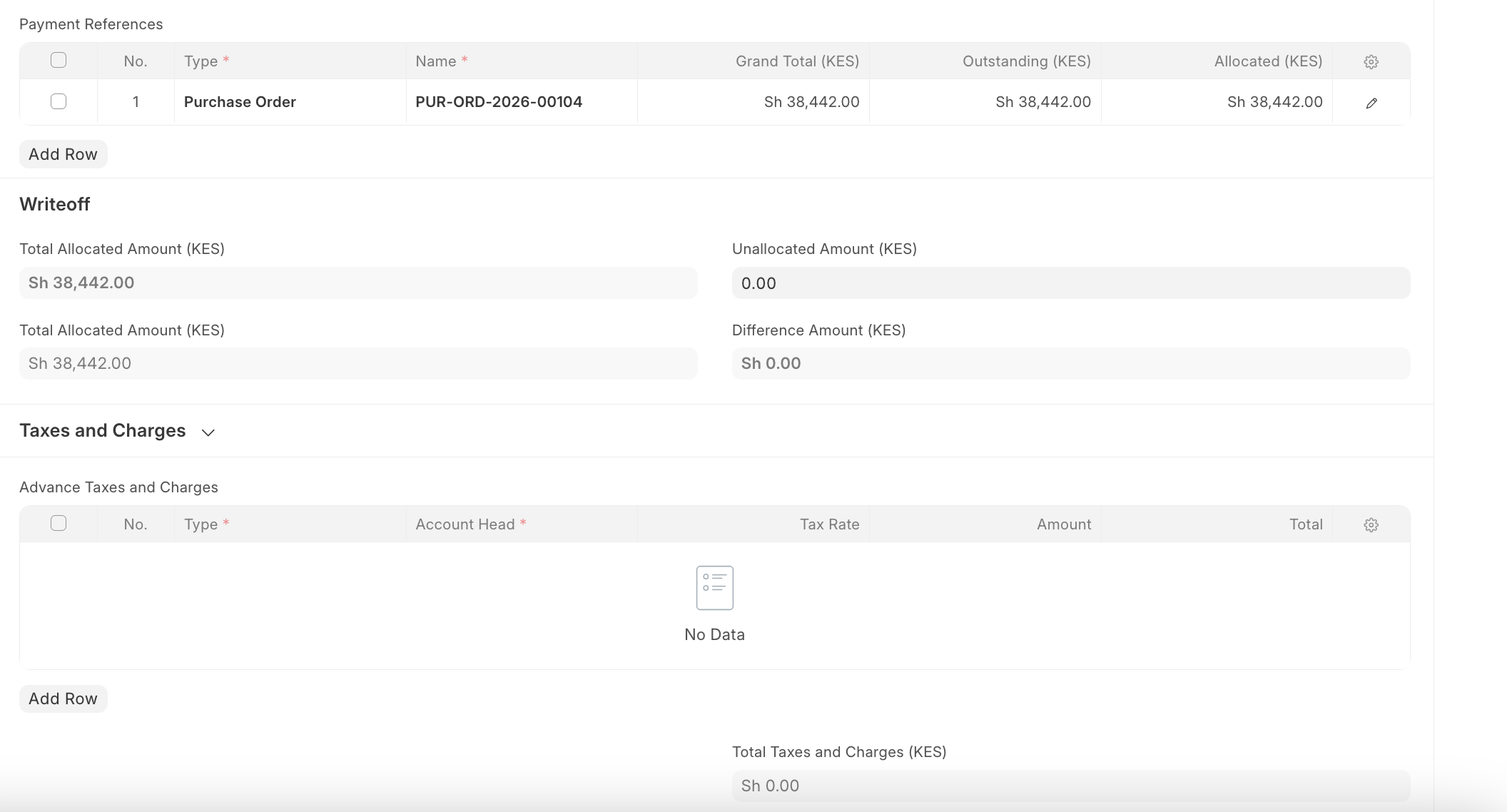
- In Payment References, confirm the correct Purchase Order is linked:
- Grand Total
- Outstanding Amount
- Allocated Amount
- Review taxes, transaction reference, and accounting dimensions if needed.
- Click Save, then Submit.
Last updated 4 months ago
Was this helpful?