How to create a Purchase Order
What is a Purchase Order?
A Purchase Order is a document sent to a supplier confirming the services or items the company wants to purchase for a booking. It shows the supplier, items required, quantities, rates, and total cost.
How to Create a Purchase Order
- Open the completed Booking record.
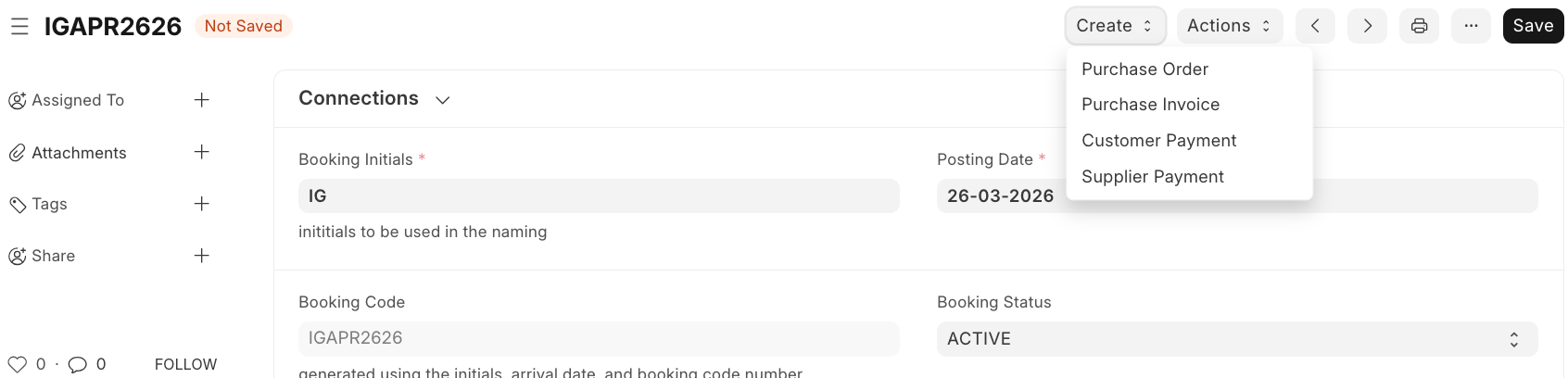
- Click Create at the top-right of the booking page.
- Select Purchase Order from the dropdown menu.
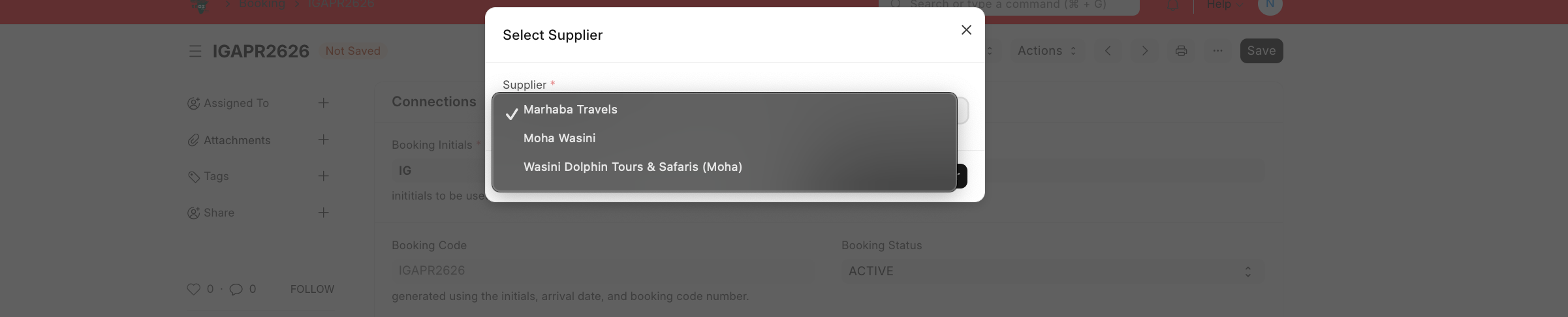
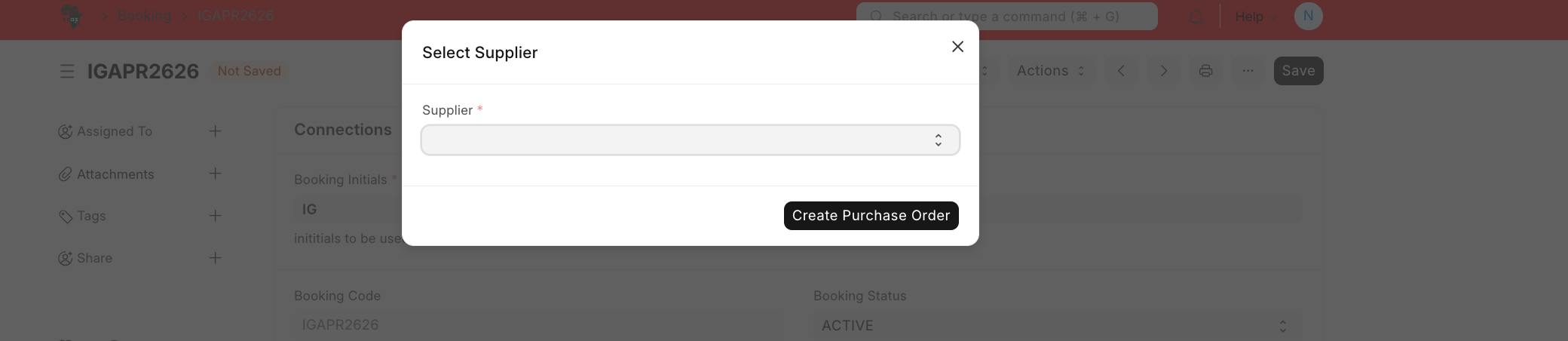
- In the Select Supplier pop-up, choose the supplier.
- Click Create Purchase Order.
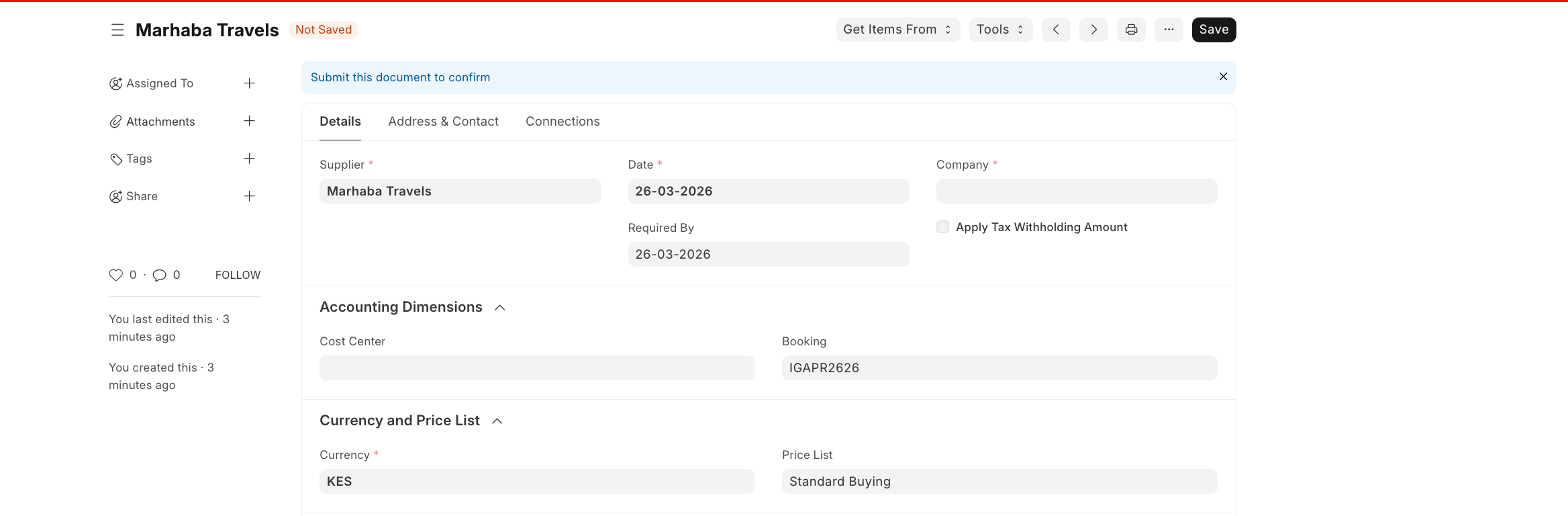
- A new Purchase Order will open in Draft status.
- Review the main details:
- Supplier
- Date
- Company
- Required By date
- Accounting Dimensions
- Check the Items table and confirm the details.
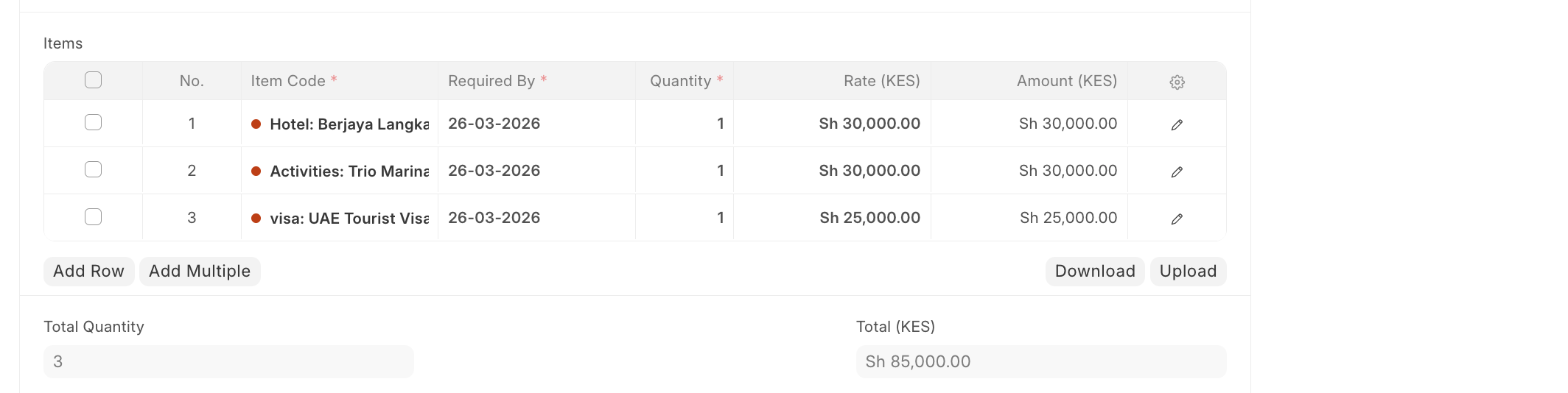
- Review Taxes and Charges if applicable and confirm the totals:
- Total quantity
- Grand total
- Amount in words
- Click Submit to finalise the Purchase Order.

Last updated 4 months ago
Was this helpful?